why InDesign falls short for designing exhibit graphics
introduction
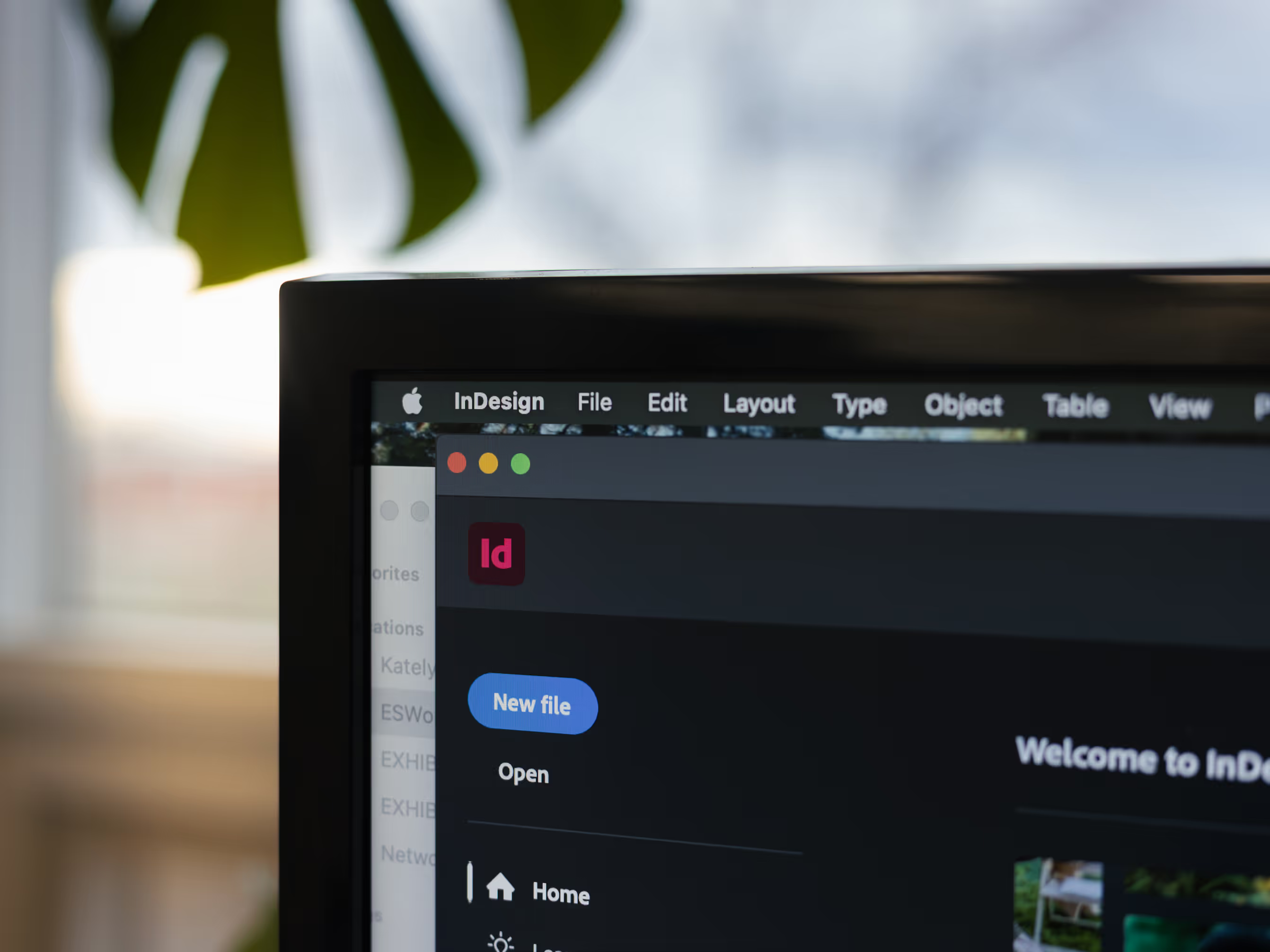
We know Adobe InDesign is a powerhouse tool for layout and editorial design. It’s excellent for brochures, magazines, and multi-page print projects. But when it comes to designing graphics for large-format applications like trade show displays, pop-up booths, and banners — it’s not the best choice.
Why? InDesign wasn’t built with large-scale production in mind. From scaling and file setup to layering and exporting, it can create unexpected complications during print prep. Here's why we recommend other tools.
why InDesign doesn't work for large-format exhibit graphics
scaling for large-format print
Exhibit graphics are big (much bigger than anything you’d create for a brochure). InDesign is designed for page layout at 100% scale (think: 8.5" x 11"). But most of our work is produced at a reduced scale, typically 10%, to make file handling manageable and proofs easier to review.
Working at 10% scale in InDesign is possible, but not practical. Page margins, guides, grouped objects, and effects don’t always scale properly. Text, in particular, can behave unpredictably. That means extra time adjusting files, or worse: formatting errors that only show up when it’s too late.
Illustrator handles scale much more reliably, which is why we build our templates there and encourage clients to use it for layout if they are providing artwork files.
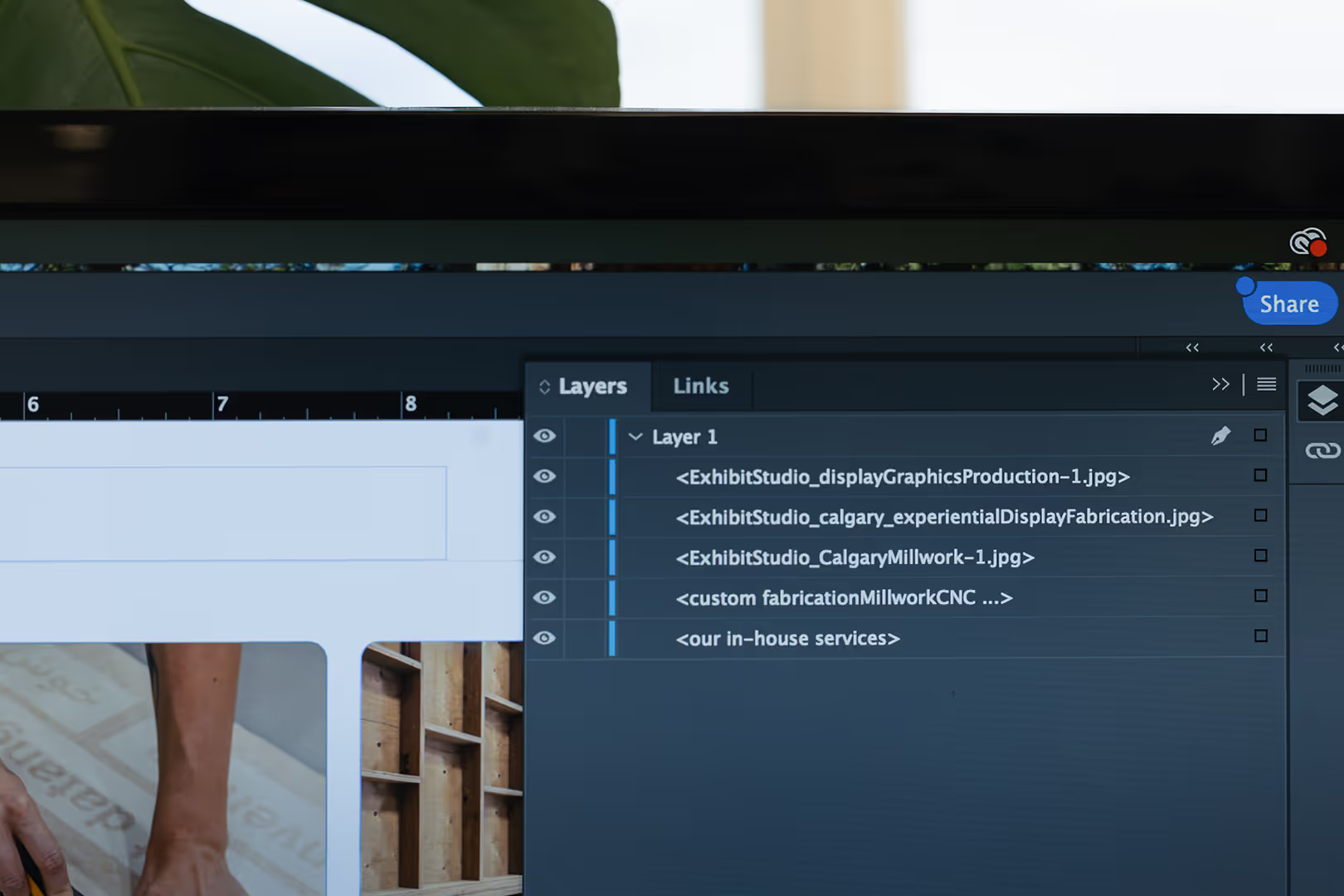
layer management
Most display projects involve dozens (or sometimes hundreds!) of individual graphic elements. Logos, text boxes, image layers, and effects all need to be organized, especially when we’re troubleshooting something like a drop shadow that isn’t printing properly.
InDesign has basic layer support, but it doesn’t offer the same nested grouping structure as Illustrator. And in our experience, 99% of InDesign files come in with minimal layer separation. That makes it harder for us to isolate problems or make quick edits on your behalf.
templates & display-specific design
We’ve developed templates for every display product we carry, from retractable banners to large pop-up walls and backlit panels. These templates show both the visible and bleed areas of the graphic, plus hardware cutoffs and panel breaks.
We build these templates in Illustrator, where layers can clearly differentiate between safe zones, background extensions, and finished edges. InDesign doesn’t export bleed layers reliably for large-format print, and exporting to EPS often merges or flattens those critical layers.
This means we lose essential setup information, like where your text might get cut off or wrapped around a frame, compromising the final product.
exporting & printing compatibility
Our large-format printers accept EPS and TIF files, formats that Illustrator and Photoshop export cleanly. InDesign? Not so much.
InDesign no longer supports TIF export, and its EPS exports often produce errors. Drop shadows can disappear, fonts may convert or reflow, and images are sometimes embedded in fragmented clipping masks. These errors aren’t always visible on a screen but become glaringly obvious on a 10-foot display.
Reprinting because of corrupted artwork costs time, materials, and budget. That’s why we avoid using InDesign files whenever possible.
our recommendation
If you’re working on graphic design for large-format exhibits:
- Use Adobe Illustrator for layout. Our display templates are built in illustrator to clearly guide you through safe areas, bleed, and final scale.
- Use photoshop for image editing and backgrounds.
- Reach to your production team early if you need help converting an InDesign document to a display-ready file format.
final thoughts
We love InDesign, just not for large-format exhibit graphics. Using better software tools for this format will make the print process go smoothly and minimize errors.
Sign up for more insights like this!

Let’s talk ideas